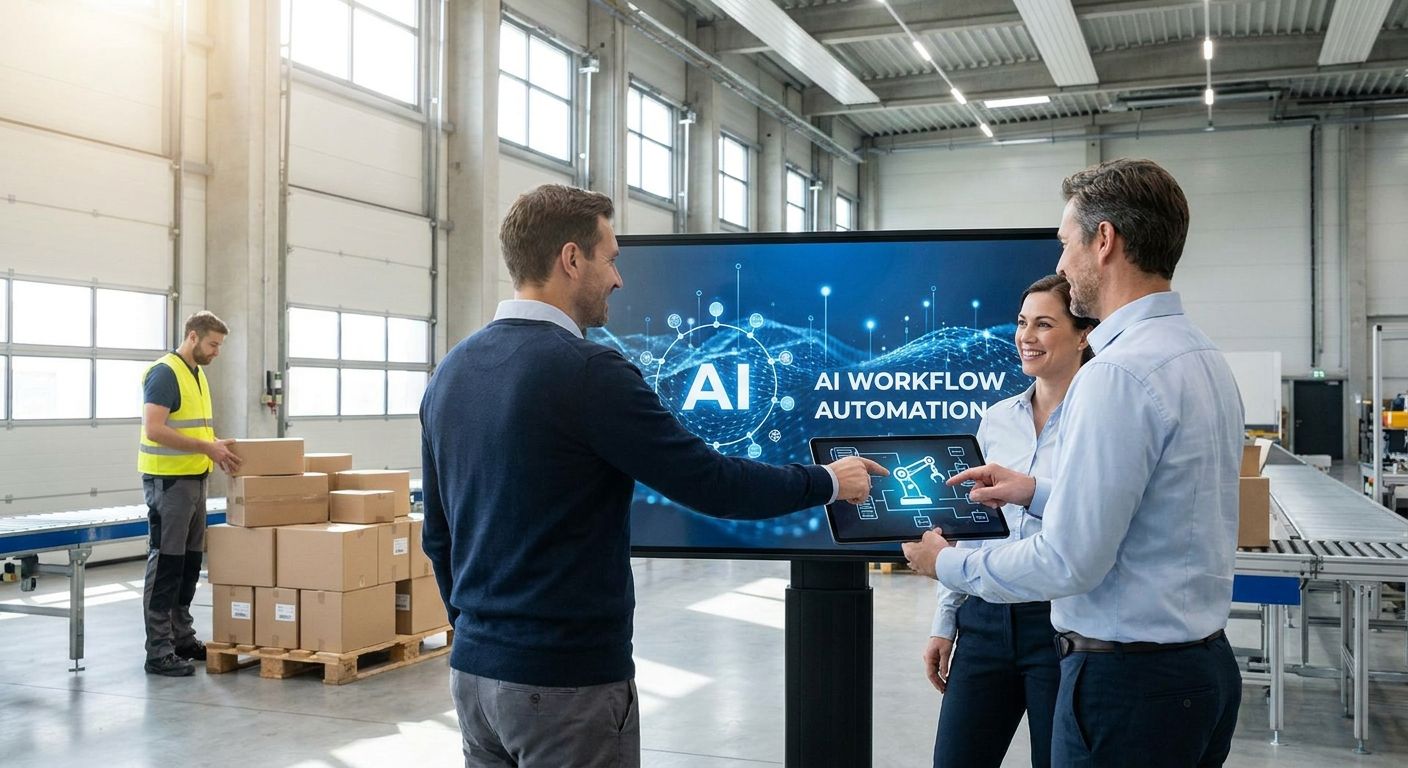
AI workflow automation for logistics teams in 2026 means agents that dispatch loads, flag delays before a customer calls, and reconcile freight invoices — not another chatbot layered on top of your TMS.
- Dispatch and load matching is the highest-ROI AI workflow automation for logistics teams to build first in 2026 — Build.
- Exception handling for delays and reroutes is the safe pick because it's where dispatchers lose the most hours — Build.
- Off-the-shelf RPA bots that click through carrier portals break the first time a UI changes — Skip.
- &above builds custom AI workflows for logistics teams, turning a four-week pilot into a product live in days.
Why this matters
Logistics runs on thin margins and constant exceptions. A late carrier, a missed dock appointment, a mismatched invoice line — each one pulls a person off higher-value work to fix it manually. AI workflow automation for logistics teams isn't about replacing dispatchers; it's about giving them agents that handle the repeatable 80% of cases so they can focus on the exceptions that need judgment. In 2026, the teams pulling ahead aren't the ones with the biggest tech budget — they're the ones who picked three or four workflows and shipped them properly instead of running a permanent pilot.
Who this is for
This is for ops leads at 3PLs and freight brokers, supply chain teams inside retailers and manufacturers, and enterprise shippers scaling volume without scaling headcount at the same rate. If your dispatch team is still rekeying data between a TMS, a WMS and three spreadsheets, or your ops managers spend their mornings chasing carrier updates by phone, this is written for you. The &above team builds these systems for scale-ups and enterprises including Google, Tesco and Sage, and the same approach applies whether you're moving ten loads a day or ten thousand.
What to look for in AI workflow automation for logistics
Here's what actually matters when picking AI workflow automation for logistics in 2026, before you commit budget to a build.
Integration with your TMS, WMS and ERP
A workflow that lives outside your core systems just creates another dashboard nobody checks. The automation needs to read and write to whatever you already run — dispatch data in the TMS, inventory in the WMS, invoices in the ERP — or dispatchers end up double-entering data anyway.
Exception handling, not happy-path automation
Happy-path automation looks great in a demo and collapses the first time a carrier misses a pickup window. Logistics runs on exceptions — late loads, damaged freight, detention disputes — so the workflow has to handle the messy 20% of cases, not just the clean 80%.
Agents that decide, not just move data
Moving a field from one system to another is integration, not automation. A real logistics AI agent should decide whether to rebook a carrier, escalate a delay, or hold an invoice for review, with reasoning your team can check.
An audit trail and a human override
Freight decisions touch money and customer commitments, so every automated action needs a record of why it happened and a way for a person to step in. Compliance and finance will ask for this within the first month, so build it in rather than bolt it on later.
Time to production
A workflow stuck in a four-week pilot never gets to prove its value. The gap between a working prototype and a system your team relies on daily should be measured in days, not quarters.
Ownership after the build
The agency that builds it should hand over a system your own team can run, extend and fix — not a black box you have to call them about every time a carrier changes its API.
Talk to &above about your logistics workflows
See which workflow to automate first and how fast it can go live.
Where to start: five logistics workflows worth automating first
Not every process deserves an agent on day one. These five are where AI workflow automation for logistics teams pays back fastest, ranked by how quickly they show value once live.
1. Dispatch and load matching — the highest-ROI pick
A dispatcher matching loads to carriers manually checks rate, capacity and lane history across three separate screens before making a call. An agent that reads all three at once and surfaces the best match in one step removes that lag without removing the dispatcher's final say. Build.
2. Delay and exception resolution — the safe pick
This is the workflow that pays for itself fastest because it's where the most hours already leak. An agent that flags a shipment the moment a carrier ping goes quiet, instead of when a customer calls to ask where their order is, turns a reactive team into a proactive one. Build.
3. Freight audit and invoice reconciliation — the quiet cost-killer
Invoice errors hide in the gap between the rate confirmation, the bill of lading and the carrier's final invoice. An agent that checks all three before anyone approves payment catches the discrepancies a busy AP team misses. Build.
4. Dock scheduling and appointment booking — the operational unlock
Yard staff and carriers still play phone tag to book a dock slot at most mid-size operations in 2026. An agent that negotiates the appointment window against live yard capacity removes a job nobody wants to do, but it depends on decent yard-system data to start. Consider.
5. Customer-facing shipment status — the wildcard
A status agent that answers "where's my order" pulls volume off the phone queue, but only works well once the data behind it — TMS milestones, carrier pings — is already reliable. Build this after the workflows above are live, not before. Consider.
What to avoid
Off-the-shelf RPA bots that click through portals
These break the moment a carrier changes a button on their web portal, and someone has to notice and fix the script before the next run. They're fast to set up and expensive to maintain. Skip.
A chatbot bolted onto an old TMS
Adding a conversational layer on top of a system that still needs three logins doesn't remove the work, it just adds a translation step. Fix the underlying workflow first. Skip.
Point solutions that don't talk to anything else
A tool that automates one step in isolation creates a new manual step: moving data in and out of it. If it doesn't connect to your TMS, WMS or ERP, it's not automation, it's a chore with a nicer interface. Skip.
Verdict comparison across the criteria
| Workflow | Integration depth needed | Exception load | Time to first value | Verdict |
|---|---|---|---|---|
| Dispatch and load matching | High (TMS + carrier data) | Medium | Weeks | Build |
| Delay and exception resolution | High (TMS + carrier pings) | High | Weeks | Build |
| Freight audit and reconciliation | Medium (ERP + TMS) | Medium | Weeks | Build |
| Dock scheduling | Medium (WMS + yard system) | Low | Weeks to months | Consider |
| Customer status agent | High (TMS + carrier data) | Low | Months | Consider |
“If a workflow can't handle the exception path, it's not automation, it's a demo.”
Who builds it
Picking the workflow matters less than picking the team that ships it. A good AI product agency shows you a working prototype in days, not a slide deck in six weeks, and hands over a system your engineers can maintain once it's live. If you're comparing options, the best AI agencies in London for scale-ups and enterprises guide breaks down what separates a partner who ships from one who just prototypes.
FAQ
What is AI workflow automation for logistics?
It's the use of AI agents to run dispatch, exception handling, invoice reconciliation and other logistics processes with minimal manual intervention. Unlike basic RPA, these agents make decisions based on live data rather than just clicking through fixed steps.
Which logistics process should a team automate first?
Dispatch and load matching or delay and exception resolution, because both leak the most dispatcher hours today. Both show measurable value within weeks of going live rather than months.
Is AI workflow automation for logistics teams different from RPA?
Yes. RPA scripts click through fixed steps and break when a carrier portal changes its layout; AI agents read context and decide what to do next, including when to escalate to a human.
How long does it take to build a logistics AI agent?
A working prototype can be live in days once the target systems and data are mapped, with a production-ready version following within a few weeks. The exact timeline depends on how many systems the workflow needs to touch.
Do these workflows replace dispatchers?
No, they remove the repeatable 80% of the work so dispatchers spend their time on the exceptions that need judgment. Teams that automate well end up managing more volume with the same headcount, not fewer people.
What systems does a logistics AI workflow need to connect to?
Most workflows need to read and write to the TMS, and often the WMS and ERP as well, since dispatch, inventory and invoicing data all live in different places. A workflow that can't reach these systems just creates more manual data entry.
How much does AI workflow automation for logistics cost?
Cost depends on how many systems the workflow touches and how much exception-handling logic it needs. A narrow workflow like invoice reconciliation is cheaper to build than a multi-system dispatch agent, so scope drives price more than the technology does.
Can a logistics team maintain the workflow without the agency?
Yes, if it's built that way from the start. Ask any agency you're evaluating whether they hand over a system your engineers can run and extend, or one that locks you into ongoing support calls.
One last thing
The workflow logistics teams skip most often is freight audit and invoice reconciliation, because it doesn't look as flashy as a dispatch agent. It's usually the one with the fastest, most visible payback, because every mismatched invoice line it catches in 2026 is money that would otherwise have gone out the door.